


Things to Know Before Buying Power Supply
If you want to protect your investment in your computer system and add spice to your smart home, you will want to purchase one immediately.
ReadTop 10 lists for every room, head-to-head comparisons, and plain-language setup guides for Alexa, Google Home, Apple Home and Matter.
Start with a room. Each list collects the products we cover in that space. 2026 refresh in progress
 Top 10Security CamerasRegardless if you rent or own a house, everybody aims to have the most secure place to live in. Having home security cameras is a smart move to start with.
 Top 10Thermostats
 Top 10Lighting & Fans
 Top 10Smart Appliances
 Top 10Kitchen
 Top 10Home Theater
 Top 10Home Office
 Top 10Garden & Outdoor
 Top 10Bathroom
 Top 10Health
 Top 10Baby Monitors
 Top 10Family Gadgets
 Top 10Baby Products
Devices work best when they match the assistant you already use. Start with the guides for your ecosystem.
Echo speakers, skills, routines and privacy controls.
Nest speakers and displays, Google Assistant and updates.
HomePod, Siri and the Apple Home app.
The standards that let devices from different brands work together.
Side-by-side breakdowns for when you're stuck between two options.
 Amazon EchovsGoogle HomeAmazon Echo VS Google Home 2020. Which Should You Buy?
 Philips Hue LightvsLIFXPhilips Hue Light Vs. LIFX: Which One Stands Out?
 SecurityvsSurveillance CameraSecurity vs. Surveillance Camera: The Difference You Need to Know
 GooglevsAmazonThe Greatest Smart Home Devices of 2020: Google vs Amazon
 CablevsFiber OpticCable vs. Fiber Optic: Which is the Best For You?
 Apple’s AirPods ProvsSamsung Galaxy Buds PlusApple’s AirPods Pro vs Samsung Galaxy Buds Plus
Answer a few quick questions about your home, your phone and your budget range. You'll get a starter list matched to the ecosystem you already use, linked to our guides.
Affiliate disclosure: some links in our reviews are affiliate links. If you buy through them we may earn a commission at no extra cost to you. Read the full disclosure.
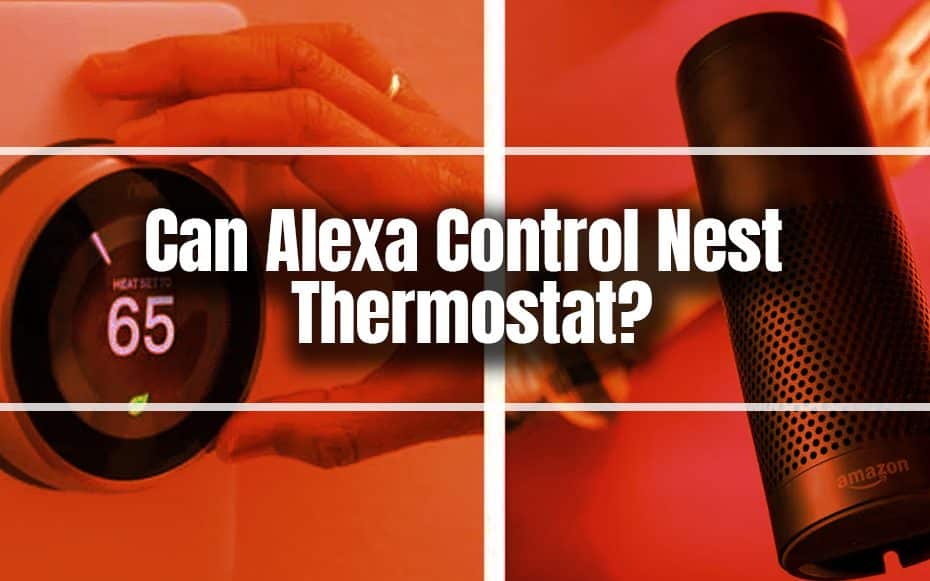
You can monitor the present temperature and thermostat target temperature and modify the them without ever having to open the Nest app.
Keep readingWhat Is A Smart Home?Ecobee4 Alexa-Enabled Thermostat with Sensor ReviewGetting to Know Eargo 5Things to Consider Before Buying a Smart WatchReadIf you want to protect your investment in your computer system and add spice to your smart home, you will want to purchase one immediately.
Read
We’ve compiled a list of the best smokeless fire pits used at home or on the move. Please continue reading for the complete list.
Read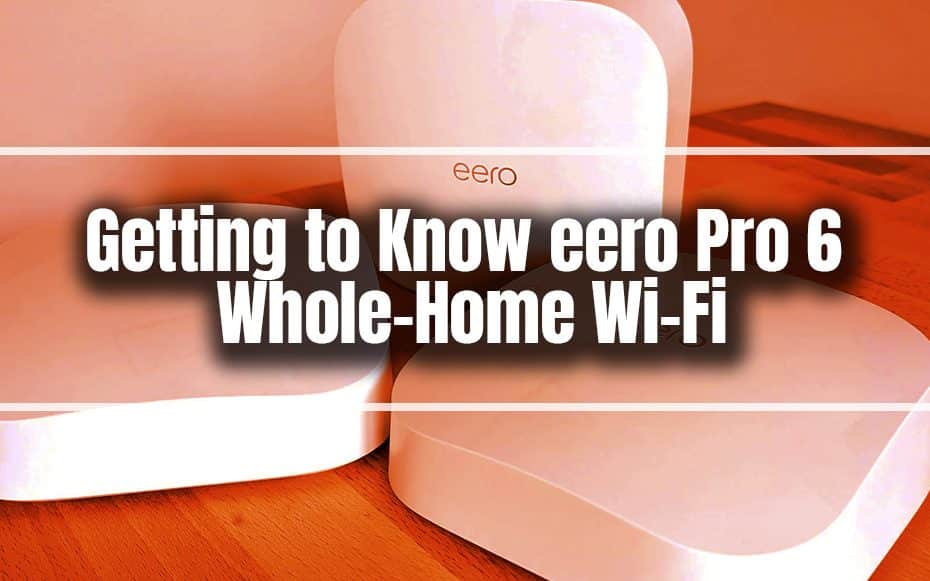
They can distribute your fast connection throughout your home without cumbersome wiring, allowing you to fully utilize your bandwidth.
Read
The Panasonic High-Speed Toaster Oven is a full-size oven that can roast a three-pound bird and toast six slices of bread at once.
Read
You can think about the high-tech TVs on this list because you can be sure that they have all the features you’ve been searching for.
ReadWe're building a deals feed for the smart home gear we cover. Each deal will show the date its price was last checked, so you know it's current.
 List of the Most Affordable Smart Home Systems
 Affordable Robot Vacuums
 The Most Affordable Smart Sprinklers
 Cheap And Best Alexa Devices This 2021
Step-by-step help for setup, fixes and security. Longer topic guides live on the guides page.
 TroubleshootHow to Troubleshoot Smart Homes?
 TroubleshootWhat to Do if Alexa is Unresponsive?
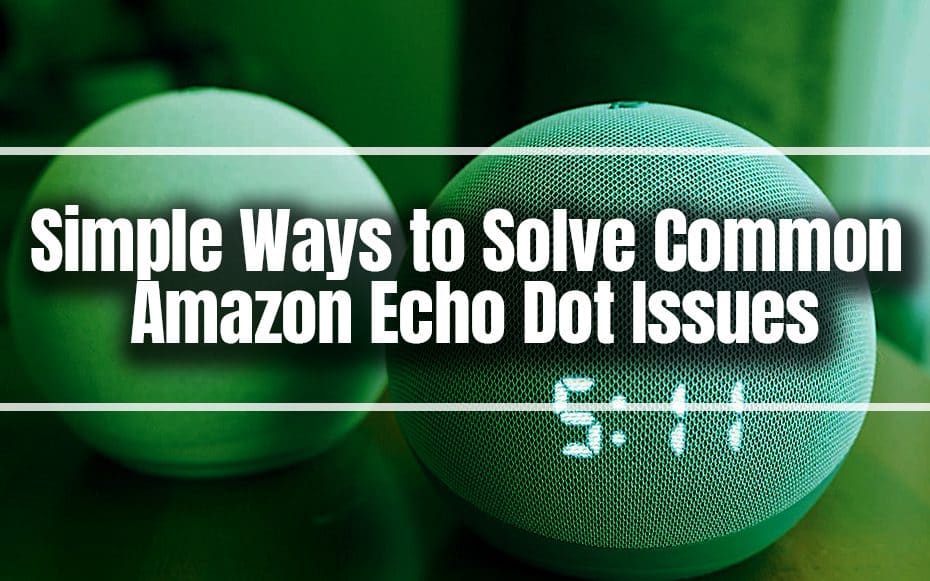 TroubleshootSimple Ways to Solve Common Amazon Echo Dot Issues
 TroubleshootWhat to Do When Bluetooth Can’t Pair With Devices
 SetupHow to Keep Your Google Home Updated?
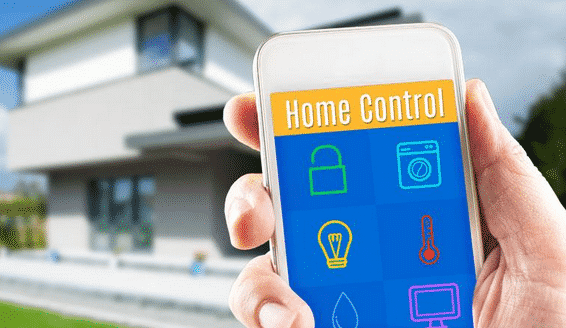 SetupHow To Better Secure Your Smart Home
 SetupHow To Make Your House a Smart Home?
 SetupGuide on How to Build a Smart Garage
Setup help and home security monitoring options are on the way. Tell us what you're trying to do and we'll point you in the right direction.
A home whose lights, locks, thermostats, cameras or appliances connect to the internet or a local hub, so you can control them from an app, by voice, or on a schedule.
Not always. Many Wi-Fi and Matter-over-Wi-Fi devices connect straight to your router. Zigbee and Z-Wave devices need a compatible hub, and Thread devices need a Thread border router.
Start with what you already own. The assistant on your phone or speakers is usually easiest. Matter-certified devices can work across all three.
It depends on the device. Some support local control on your home network. Others need a cloud connection for remote access, voice control or automations.
Use a unique password, turn on two-factor authentication, keep firmware updated, and review which apps and accounts have access.
Some links are affiliate links. If you buy through them we may earn a commission at no extra cost to you. See our affiliate disclosure.
A one-page PDF to plan your first devices, plus occasional emails when we publish new guides and deal alerts. Unsubscribe any time.
By subscribing you agree to our Privacy Policy.