A camera is a recording device that happens to use an app. The useful review questions are dull: Who is in the frame, how long is the clip kept, what happens when the battery dies, and what still works if you stop paying. Brand rankings that skip those questions are catalogs.
This is research. We did not bench-test resolution, night vision, or detection. The older list Top 10 Smart Security Cameras stays in its original order, which is not a 2026 test. Locks and sensors are a different problem, covered in the locks guide. Radios are in the protocols guide. If a household member is a child, a guest, or someone who cannot consent, read the family guide before you add an indoor camera.
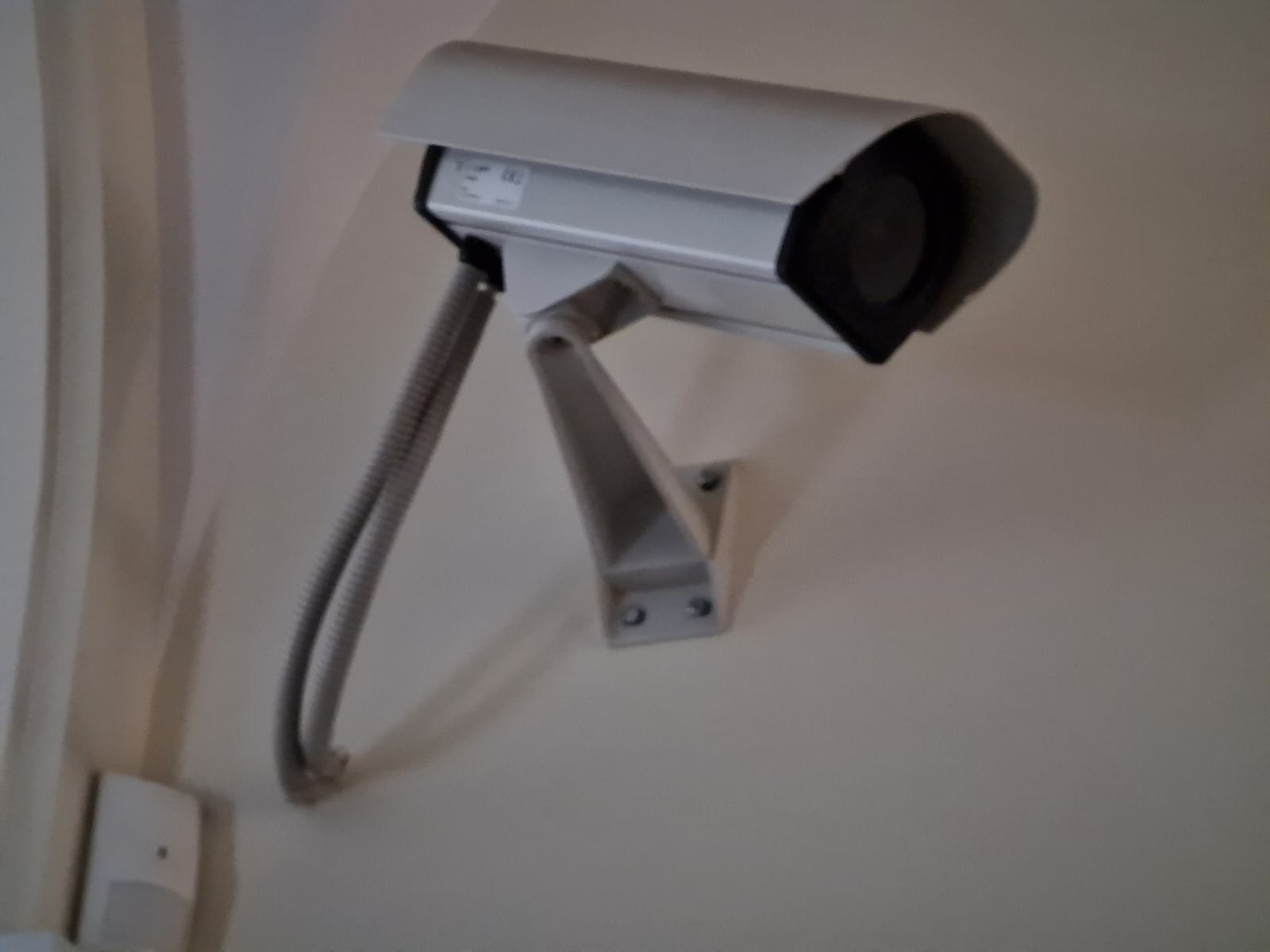
The photo is a fixed outdoor camera on a real building. It shows placement under an eave. It is not an endorsement of a model.
Start with placement, power, and storage
| Question | If the answer is yes | If the answer is no | What goes wrong otherwise |
|---|---|---|---|
| Can you point it only at your property? | A door, a yard, or a room people have agreed to | Do not install it | Filming a neighbor's window or a shared hallway can be a legal and a neighbor problem. Rules vary by place. Check locally |
| Is there a socket or a doorbell transformer you are allowed to use? | A powered camera or a wired doorbell | A battery model, and a plan to charge it | A dead battery looks like a system failure |
| Do you need history after the live view ends? | Read the storage plan: camera card, base station, or cloud | Live view only, if the product allows it | "Free camera" often means "live only" or "clips for a few hours" |
| Do you rent? | Battery or plug-in, no new holes you cannot patch | Skip a wired doorbell that replaces the landlord's chime | Restoring the old doorbell is part of the cost |
| Is the Wi-Fi strong at that exact spot? | Install | Move the router, add a point, or pick a different spot | Cameras are heavy Wi-Fi users. A weak signal looks like a bad camera |
| Do you need the clip when the internet is down? | Local storage you have actually played back | Accept that cloud history pauses in an outage | A cloud plan does not record to a data center you cannot reach |
Write the job in one sentence before you compare brands. "See who is at the front door and keep 30 days of clips" is a different product from "glance at the yard while I am at work." The first sentence forces a storage decision. The second might be a live view.
Compatibility and limits
Cameras connect in ways that do not match light bulbs.
- Most current consumer cameras are Wi-Fi devices tied to a vendor account. The app, the notifications, and the history live there. Alexa, Google, and Apple may show a live tile or a doorbell press if the vendor supports that platform. That link can be narrower than the vendor app. Confirm the feature, not the logo.
- Matter 1.5, according to the Alliance's March 31, 2026 post about 1.5.1, introduced camera and video doorbell support. Matter 1.5.1 refines streaming (including multi-stream), adds HEIC snapshots, HLS and DASH recording upload, and adjusts pan-tilt-zoom, chimes, and intercoms. On November 10, 2026 the Alliance download page also listed Matter 1.6 and 1.6.1, which are later documents. None of those PDFs are a recording plan, and the Alliance's 1.6 announcement says companies ship on their own timelines. If a product page says "Matter camera," ask which controller shows which controls today.
- A doorbell is a camera plus a button plus a chime. The chime may be the old mechanical one, a plug-in chime, or only a phone notification. If someone in the house will not hear a phone, you still need a chime in the room.
- Battery cameras sleep. They are slower to wake than a powered camera. That is a design trade, not a defect you can review away. A package that sits for two seconds may be gone before the clip starts. Know that before you mount one over a busy step.
- Local storage (a card in the camera or a drive in a base station) and cloud storage fail differently. A stolen camera with the card inside is a lost recording and a privacy problem. A cloud account you can close is a different risk. Pick the risk on purpose.
- Person, package, animal, and vehicle labels are software. We are not publishing accuracy rates. Vendors change the models, and we did not measure them. Treat labels as a sorting aid, and still look at the clip.
Google's help pages, discussed in the Google Home guide, tie some camera AI summaries to a Google Home Premium plan. Amazon's Alexa+ article says some Ring features need an extra subscription. Those are examples of the pattern, not a complete price list.
Setup, and what fails
- Stand where the camera will be and look at the frame with your eyes. Note windows, a neighbor's door, a public sidewalk, and a child's play area.
- Test Wi-Fi with the phone in that spot. If the phone struggles to hold a call on Wi-Fi, a camera will struggle more.
- Create the vendor account with a unique password and two-factor authentication before you mount anything.
- Update the camera on the bench, not on a ladder.
- Mount it, then review a clip of yourself walking the path you care about. Adjust the angle before you tidy the cables.
- Turn on only the notifications you will still want in a week. A camera that alerts on every shadow gets muted, which is the same as not having it.
- Write down how to export or delete video, and who else has the account.
Failures:
- The transformer or the old doorbell wiring is not what the new doorbell expects. If you are not comfortable with the wires, stop. A battery doorbell avoids that job and adds a charging job.
- The Wi-Fi name is a combined band and the camera only joins 2.4 GHz. Split or expose the 2.4 GHz name during setup.
- Notifications fail because the phone's battery settings killed the app, not because the camera missed the event.
- A subscription lapsed and history silently stopped. Check the plan date.
- Two people share one login, so you cannot remove one person later. Use the product's sharing feature.
Our older article How to choose the best security camera for your smart home walks through field of view and image quality in general terms. It does not contain measurements from us. Read it as a checklist of questions, not as scores.
What it costs to own
We will not invent a subscription price. Ask the vendor's current page these questions and write the answers down.
- Is live view included after the trial?
- How long are clips kept, and does that length require a plan?
- Are the alerts you care about (a person, a package, a vehicle) in the free tier or a paid tier?
- What happens to stored video if you cancel?
- Is there a fee per camera or per household?
- Does the doorbell's "works with Alexa" or "works with Google" path require that plan too?
Hardware add-ons are part of the price: a chime, a mount, a solar panel, a longer cable, a professional install. A solar panel does not help a camera under a deep eave. Look at the sun, not at the accessory photo.
Electricity for a wired camera is usually small next to the subscription. Battery replacement and your time charging are the battery camera's equivalent cost. Neither is a reason to skip local security basics that are not gadgets: a working exterior light, a lock that latches, and a neighbor who knows you are away. The locks guide covers the door itself.
Privacy, security, and a manual fallback
- Point cameras at your property. Indoor cameras in bedrooms or bathrooms do not belong in a "security" setup.
- Tell the people who live with you. A camera they do not know about is not a feature.
- Two-factor authentication on the camera account. Unique password. No shared sticky note.
- Turn off features you will not use, especially remote microphones. A camera does not need to be a listening device to show you the door.
- Review who has access when a roommate moves out. Remove the shared login. Change the password.
- If the vendor offers end-to-end encryption or local-only recording, read what you give up (some rich alerts, some sharing). Choose it if the trade matches the room.
- Firmware updates are part of owning a camera that faces the internet. A camera the vendor no longer updates is a replacement candidate, not a place to add more ports forwards on your router. Do not port-forward a camera to the open internet to "make the app work." That is a known way to expose the device.
Manual fallback: a camera that is offline should leave the door lock, the lights, and the alarm siren working. Do not build an automation that unlocks a door because a camera "recognized" a face unless you accept false accepts. We are not quoting a false-accept rate. We are saying the consequence of a wrong unlock is a person in the house. Prefer a notification you act on.
Cover or unplug an indoor camera when guests stay. A software schedule is easy to forget. A cable you can see is not.
How to read the older articles
Top 10 Smart Security Cameras, Best Smart Cameras 2018, and the Blink upgrade piece are earlier writing. Camera models and cloud plans from those years are not a current menu. Use them to see which questions the site has asked before: power, field of view, and whether a subscription sits behind the feature. Ignore any implied ranking as a 2026 result. We did not retest those products for this guide.
Frequently asked questions
Do I need a subscription for a security camera?
Often for history and for some alerts, not always for a live view. The split is per brand and it changes. Read the current plan page and write down what happens when the trial ends. This guide does not publish a price.
Are Matter cameras a way to avoid cloud plans?
Not by itself. Matter 1.5 and 1.5.1 describe camera and doorbell functions in the specification, and later Matter documents exist. A controller still has to implement them, and a vendor can still sell cloud history separately. Ask what is stored where.
Battery or wired?
Wired if you have power and permission and you want the camera awake. Battery if you cannot run a wire and you accept charging and a wake-up delay. A battery doorbell also avoids guessing at transformer wiring.
Can I point a doorbell at the street?
Laws and building rules differ. A practical limit even where filming a public path is allowed: do not aim into a neighbor's windows, and do not use a microphone to collect conversations you are not part of. If you are unsure, check a local source before you mount it.
Will the camera work in an internet outage?
Live remote view and cloud recording will not. Local recording might, if you set it up and tested playback from the card or the base station. A camera is not a substitute for a lock.
Which camera is best in 2026?
We are not naming one. We did not test the current field. Use the table above to throw out cameras that do not match your power, storage, and placement constraints, then compare the two or three that remain on the vendor's current spec sheet.
Sources
Checked November 10, 2026.
- Connectivity Standards Alliance, March 31, 2026, Matter 1.5.1 camera, doorbell, chime, and intercom refinements, including the statement that Matter 1.5 introduced cameras and video doorbells: newsroom.
- Alliance, June 17, 2026, Matter 1.6, and the note that product timelines vary by company: newsroom.
- Alliance specification downloads listing Matter 1.6.1 as well as 1.6 and 1.5.1, checked November 10, 2026: downloads.
- Amazon, updated September 1, 2026, noting additional subscriptions for some Ring features: Alexa+ article.
- Google Nest Help on Gemini for Home camera features and plan requirements: Get started with Gemini for Home features.
Articles already on this site
These pages were already on Smart Homes Reviews before this guide. They keep their original wording. Read them as a library of earlier articles, not as new tests or a current ranking.
Posts in this topic
- Alexa and Google Work Together For the Latest Nest Camera
- Best Smart Cameras 2018
- Getting to Know Blurams Outdoor Lite 4
- How Did Blink Upgrade their Security Cameras?
- How to Choose the Best Security Camera for Your Smart Home?
- Is it Advisable to Turn Off the Smart Cameras When I’m Staying Indoors?
- Security vs. Surveillance Camera: The Difference You Need to Know
- Signs That Your Smart Camera Got Hacked
- Top 10 Smart Security Cameras
- TP-Link Kasa Cam 1080p Smart Home Security Camera Review
- Why is a Smart Doorbell Now a Must-have?